LiveSwapAI
Use CasesGuidesBlogPricingDownload
Sign In
Getting Started
  • How to Use LiveSwapAI
  • Change the Reference Photo
  • Choose a Camera
  • Credits and Usage
Installation & Setup
  • Install on Windows
  • Install on Mac
  • System Requirements
Connect to Apps
  • Virtual Camera Setup
Tips
  • Best Reference Photo for Face Swap
Troubleshooting
  • Virtual Camera Not Showing
  • Webcam Not Detected
Browse all guides
Getting Started
  • How to Use LiveSwapAI
  • Change the Reference Photo
  • Choose a Camera
  • Credits and Usage
Installation & Setup
  • Install on Windows
  • Install on Mac
  • System Requirements
Connect to Apps
  • Virtual Camera Setup
Tips
  • Best Reference Photo for Face Swap
Troubleshooting
  • Virtual Camera Not Showing
  • Webcam Not Detected
Guides/Tips

Best Reference Photo for Face Swap

On this page

  • Choose a photo
LiveSwapAI

Live face swap for streams, video calls, and creative identities.

Features

  • Live Output
  • How it works
  • Use Cases
  • FAQ

Resources

  • Guides
  • Download
  • Blog
  • GitHub

Legal

  • Privacy Policy
  • Terms of Service
  • Contact support
© 2026 LiveSwapAI. All rights reserved.

Cookie Settings

We use cookies to improve your experience, analyze site usage and support our marketing. You can accept or reject non-essential cookies; essential cookies needed for sign-in always stay on.

Learn more in our Privacy Policy

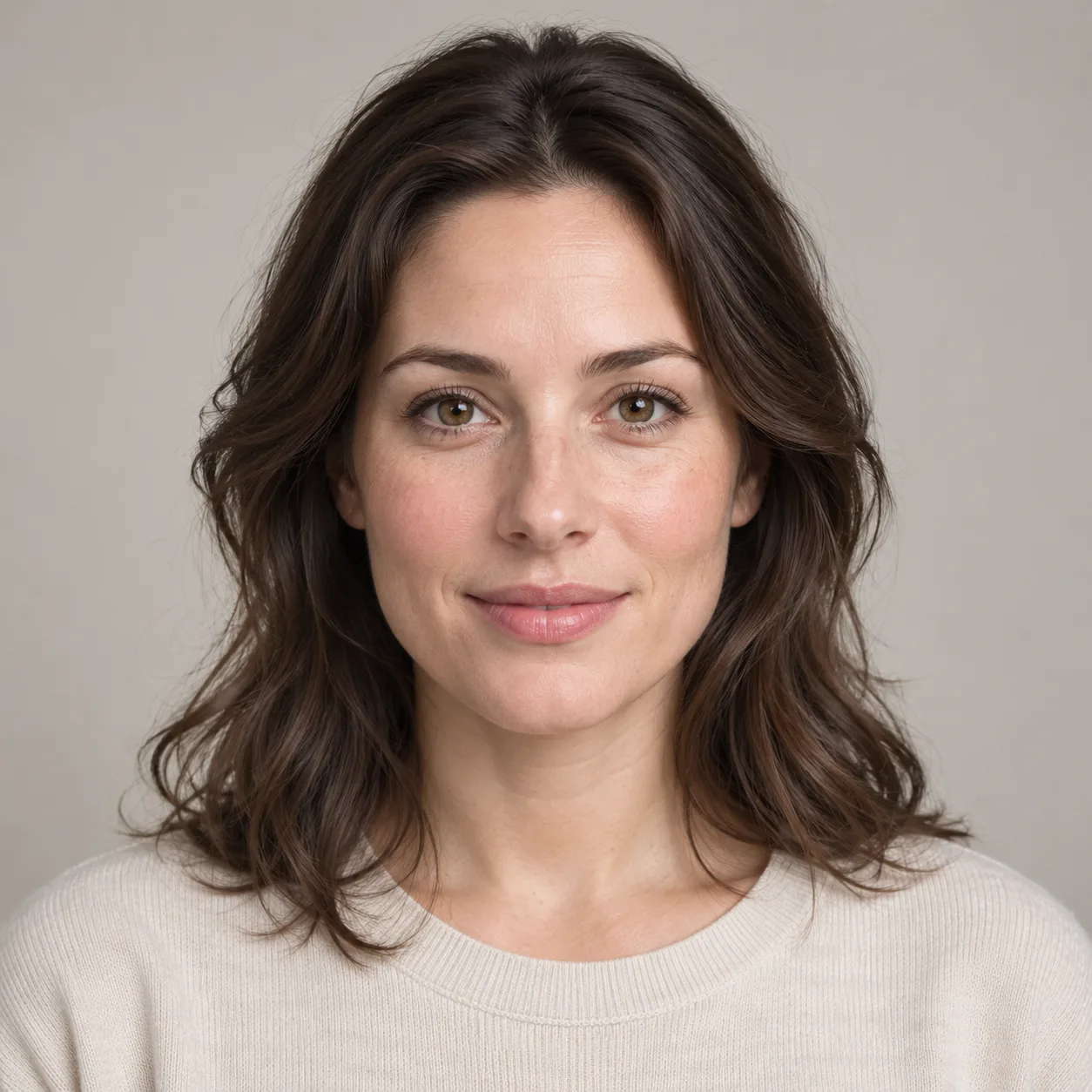
A clear reference image helps the model identify the face you want to use. Select an image you own or have permission to use.

AI-generated example of a clear, front-facing reference portrait

AI-generated example reference portrait.

Choose a photo

  • Use one clearly visible face, ideally facing the camera.
  • Choose even lighting and a sharp image; avoid heavy shadows and obstructions.
  • Try a different image if the result is unclear or inconsistent.

LiveSwapAI accepts JPG, PNG, and WebP references up to 10 MB. You can use a preset or change the reference during a session. Results can vary by model and input.